ToothSpin
A Bluetooth speaker input for Music Assistant.
Alpha. This runs in one home on one dongle so far. Expect rough edges, breaking changes and setups that don't work yet. Bug reports (any volume) are welcome!
ToothSpin turns a USB Bluetooth dongle into a Bluetooth speaker for Music Assistant. You pair your phone with it like with any other speaker, and whatever it plays shows up in Music Assistant as a live input. From there it plays on one speaker, a group, or the whole house.
I built it because my household’s review of our multi-room setup was “Nice. Where’s the Bluetooth?”
Under the hood it’s a Bluetooth A2DP sink that streams to Music Assistant as
a Sendspin source. You don’t need a Music
Assistant fork or a custom provider: it uses the sendspin_source provider
that ships with Music Assistant 2.10.7.
What works
- Several phones on one dongle, each with its own input in Music Assistant.
- SBC and AAC from the phone; PCM, FLAC or Opus to Music Assistant.
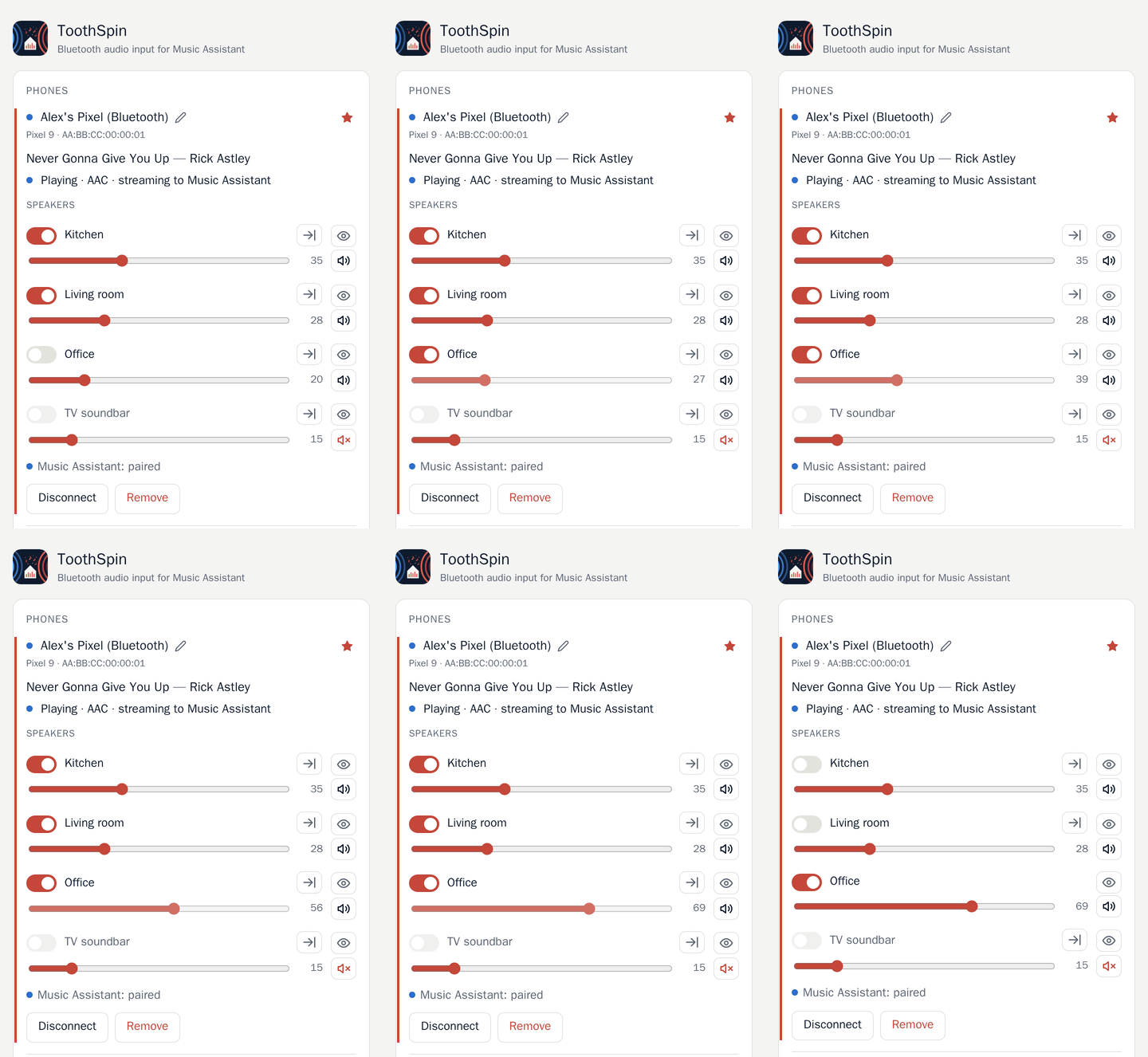
- A small web UI for pairing, connecting, and picking which speakers a phone plays on.
- Pairing only while you open the pairing window. There is no guest mode.
Not working yet
- Song title and cover in Music Assistant: Sendspin can’t send them for an input yet. ToothSpin’s web UI shows them though.
- After a pause of more than 10 minutes, you have to switch the speakers on again.
Web UI

What you need
- Music Assistant 2.10.7 or newer.
- A Bluetooth adapter, ideally a USB dongle just for ToothSpin.
- Home Assistant (ToothSpin installs as an App), or a Linux host with
bluetoothdand Docker or Podman. - One or several speakers connected to Music Assistant. I use Louder Esparagus and some Raspberry Pis with PiCorePlayer.
Install it, or read the FAQ. How it fits together: technical overview.